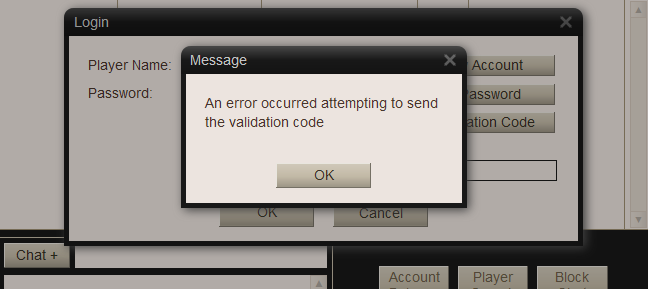
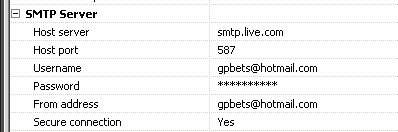
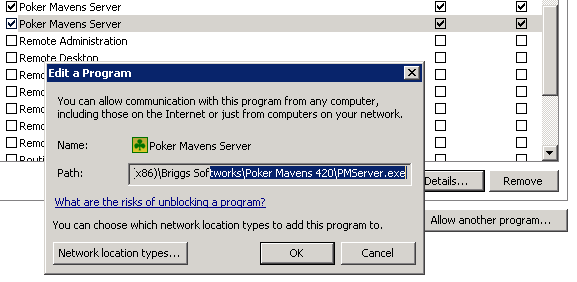
"Connect timed out" means that it could not connect to the live.com email server. Make sure PMServer.exe is in the Windows firewall exception list. Otherwise, you might try Google's server instead.
Try turning the "Secure connection" option off and using port 25 instead. Otherwise, just create a Google account and use their server. I know it works.
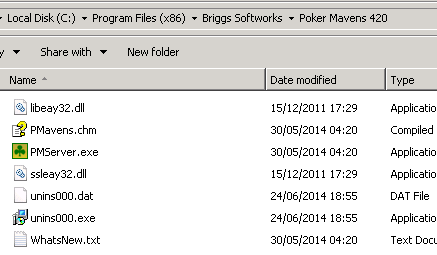
Kent Briggs wrote:Do you have the two OpenSSL DLL files in the same folder as PMServer.exe? Check your Error Log, it will give a more detailed reason for the error.
I am having a similar problem.
Perhaps related to the two OpenSSL DLL files you speak of.
Error log says... Email failure (could not load SSL library.)
Silly question... If it these files... Where do I get them?
That means it can't find the two OpenSSL DLL files. Get them from my web site and put them in the program folder. See item 17 in the FAQ: http://www.briggsoft.com/pmfaq.htm
That means it can't find the two OpenSSL DLL files. Get them from my web site and put them in the program folder. See item 17 in the FAQ: http://www.briggsoft.com/pmfaq.htm